
Access control that knows who came in, and when. who has access. every door on site. when a door is left open.
Access control installation for offices, schools, warehouses and commercial sites in Whanganui, the Manawatu and across New Zealand. Cards, fobs, PINs and phones, with a record of every door.

The right people through the right doors.
Keys get copied and lost. Access control lets you decide who gets in, where and when, and change it in seconds when staff come and go.
Door survey
We look at every door, who needs through it and when, and what locks suit it.
Credentials
Cards, fobs, PINs or phones, chosen for how your people actually work.
Secure install
Readers, locks and encrypted controller wiring, installed neatly and tested door by door.
Training
We show your team how to add users, change schedules and pull reports.
The right lock for every door.
A reader is only as good as the lock behind it. We match the hardware to the door, how often it is used and how people need to get out.
Electric strikes
Work with the existing handle and lock, so the door still feels normal to use.
Magnetic locks
A strong hold that suits glass and double doors, released by the system on exit.
Electric mortice locks
The lock sits inside the door for a clean finish with nothing on show.
Exit buttons and break glass
A safe, simple way out of every controlled door, including in an emergency.
Door monitoring
Know straight away when a door is forced open or propped open too long.
Wireless locks
Battery-powered locks for internal doors where running cable is hard.
Built on ICT Protege, designed in New Zealand.
Most of our access control runs on ICT Protege. It scales from a single door to multi-site enterprise systems, so it can grow with you.
Small sites
A few doors managed from a web browser, with no server to look after. Ideal for shops, clinics and small offices.
Growing businesses
Multiple buildings, time schedules, lift control and full integration with your alarm system.
Schools and enterprise
Wireless locks, biometrics and phone credentials across large and multi-site campuses.
One system for who gets in and what happens after hours.
When access control and your alarm share one platform, the building behaves the way you expect, without anyone needing to remember a code.
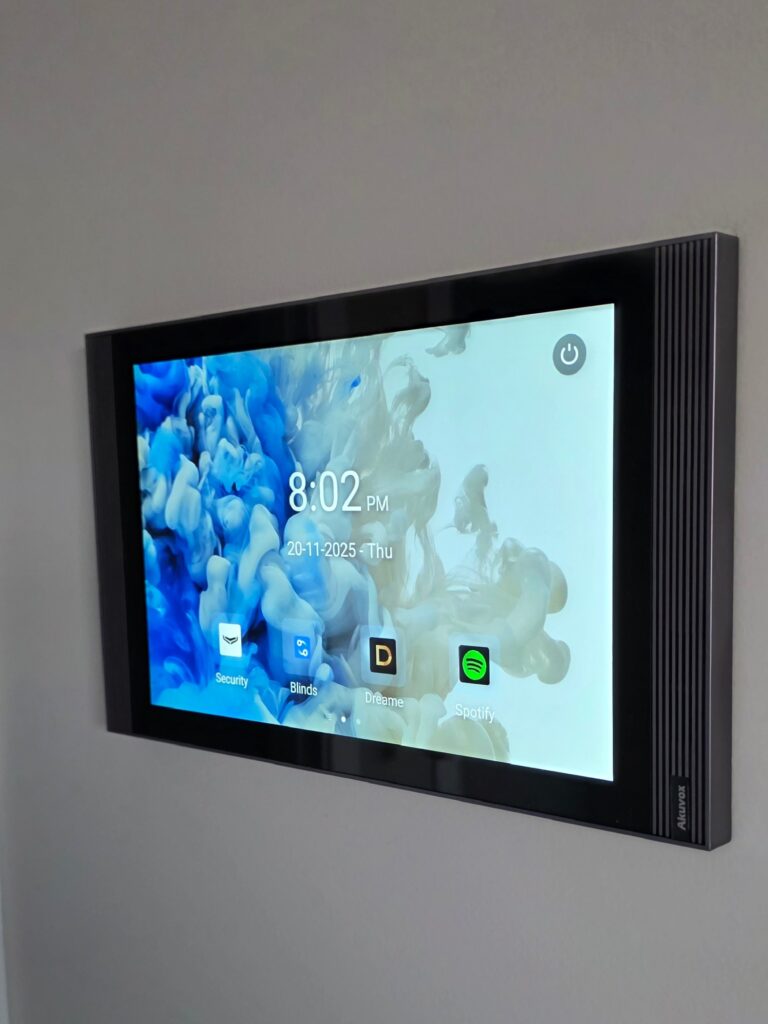
Intercoms, cameras, gates and lifts, on one system.
Video intercoms
See and talk to visitors, then open the door from a panel or your phone.
CCTV
Every door event linked to the footage, so you can see who really came through.
Gates and barrier arms
The same card or fob for the front gate and the front door.
Lifts
Choose which floors each person can reach, and when.
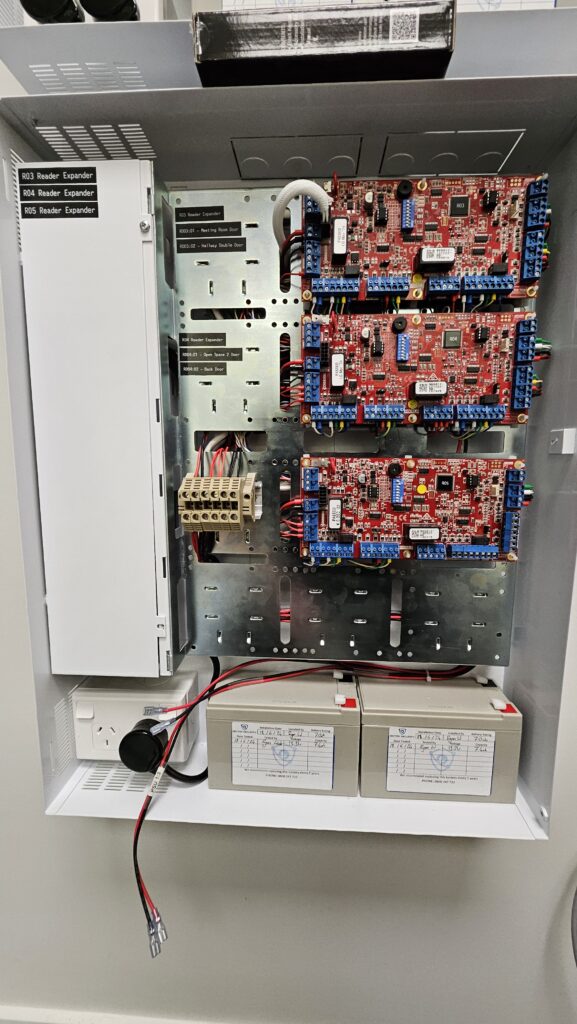
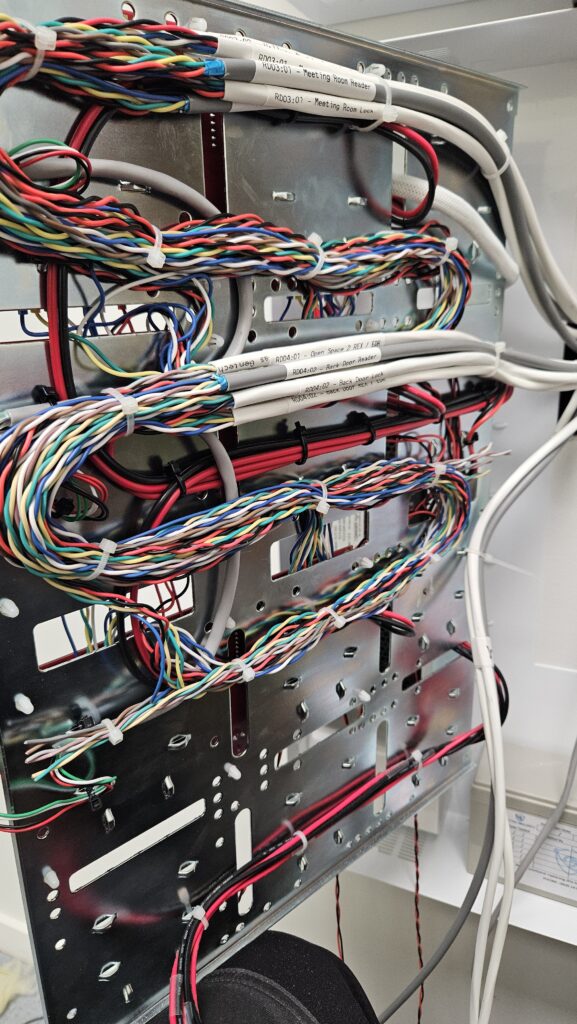
Every door labelled, every cable dressed.
“Sectek provides excellent service, from new equipment and solutions to back up support and servicing. A hassle-free one-stop shop for all security needs.”
Doors on escape routes, done properly.
Access controlled doors on a way out of the building have to let people out safely, including when the fire alarm goes off or the power fails. We design for that from the start and leave you with the paperwork to prove it.
Access control questions, answered.
Cards, fobs or phones?
Whatever suits your team. Many sites use cards or fobs for staff and PINs for contractors, and phone credentials are an option on most systems.
What happens when someone loses a card?
You switch it off in the software straight away and issue a new one. No rekeying, no changing locks.
Can it work with my alarm?
Yes. We regularly combine access control and intruder alarms on one platform, so badging in can disarm the right area automatically.
Can you take over an existing access system?
Yes. We work on all systems, any brand, and can service what you have or plan an upgrade that reuses as much as possible.
How much does access control cost?
It depends mostly on the number of doors and the type of lock each one needs. We visit for free, walk every door with you and give you a clear written quote.
Do I need a server?
Not always. Smaller sites can run on a controller you manage from a web browser. Larger systems run on server software, which we install and look after.
What happens in a power cut?
Controllers and locks run on backup batteries. Doors on escape routes are set up so people can always get out, and the rest stay secure until the power is back.
Complete the system.
Get a free access control quote
New install, a system nobody looks after any more, or a second opinion. Tell us a bit about the property and we will be in touch, usually the same day.